Procurement Admin
Users and access
Granting access, handling departures cleanly — and what a service account is actually allowed to do.
- Duration: 15 min
- Level: Intermediate
- Read first: Sign-in and SSO
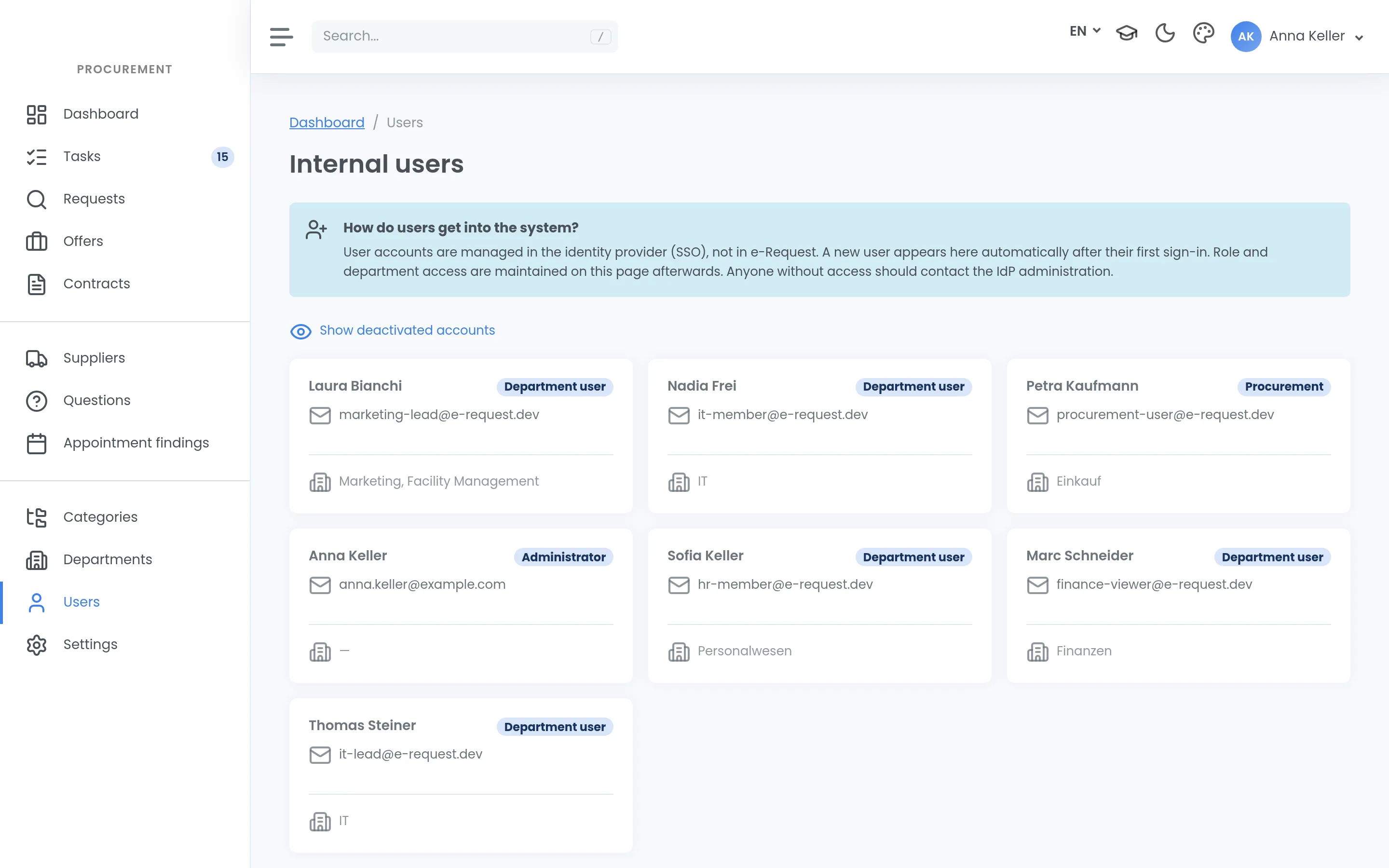
User management is little work — as long as it is done regularly.
Recurring tasks
- Take on new staff and assign them a role
- Follow up role changes
- Deactivate departures
If your instance runs with SSO, creating and assigning happens in your identity provider. The list here is then a review view, not an administration surface.
Deactivate, do not delete
Access is deactivated. An account never disappears from the log, only from operation — otherwise all traceability would vanish the day someone leaves.
That applies to your own people and to supplier access alike.
The quarterly pass
Put a recurring appointment in the calendar — once a quarter is enough — and walk the list of active accounts. Ten minutes, and the big clean-up never happens.
Service accounts
Interfaces use service accounts with API keys: issue, rotate, revoke. Two things worth knowing without being asked:
- A key sees everything across the tenant. There is no departmental slice. Issuing a service account grants access to the whole tenant, not to a section of it.
- The same key carries both the REST API and the MCP connection. Enabling one enables both, where licensed.
Rotate keys when staff change. A service account belongs to nobody, but somebody knows it.
Support access
A system administrator can sign in as a user in a support case. It is a powerful tool and it is visible in the log. If your internal policy needs to govern that, govern it before the first support case rather than after.