Procurement User
Award and contract
From confirmed winner to signed contract — and what the portal signature is, legally.
- Duration: 20 min
- Level: In depth
- Read first: Evaluate offers
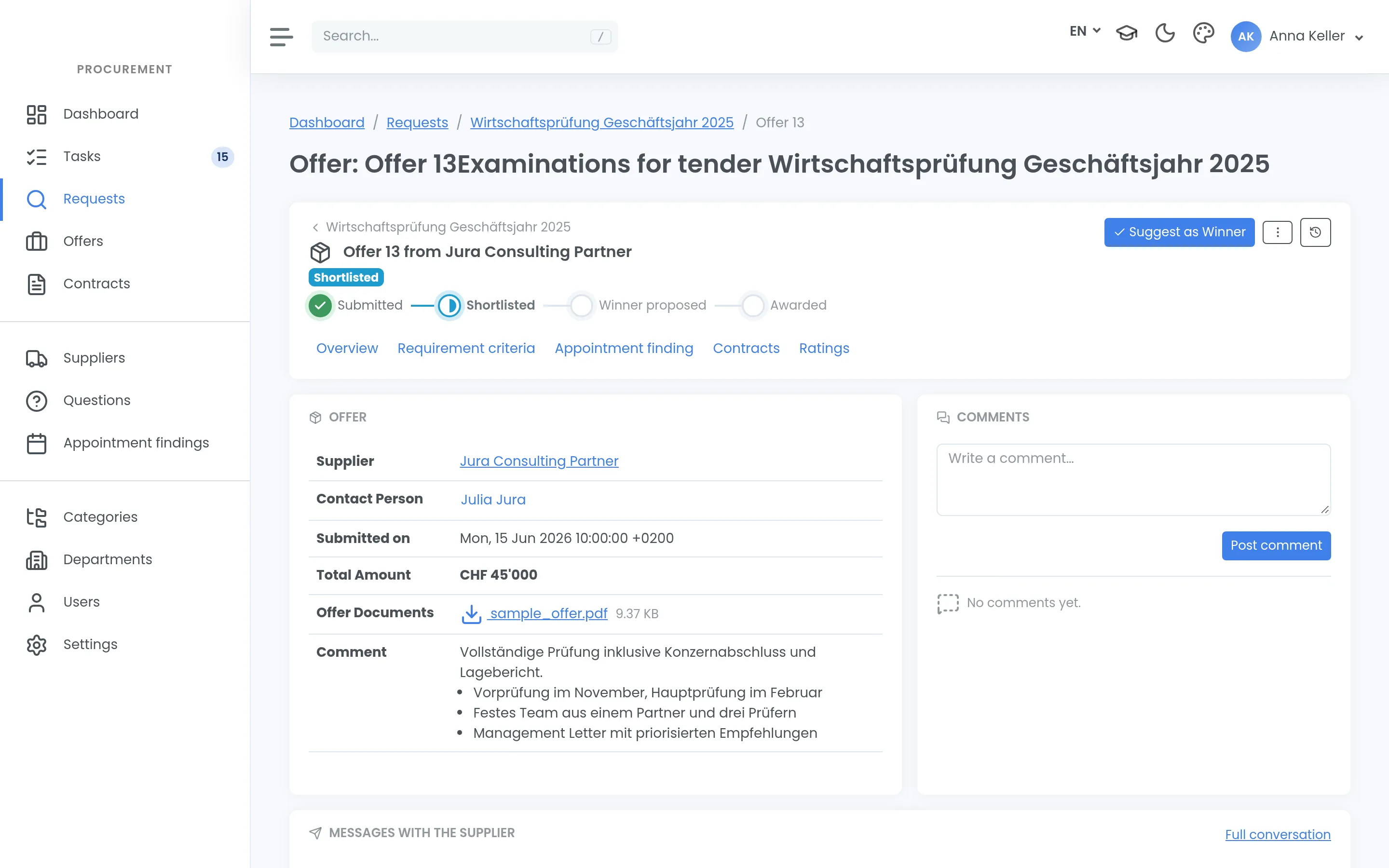
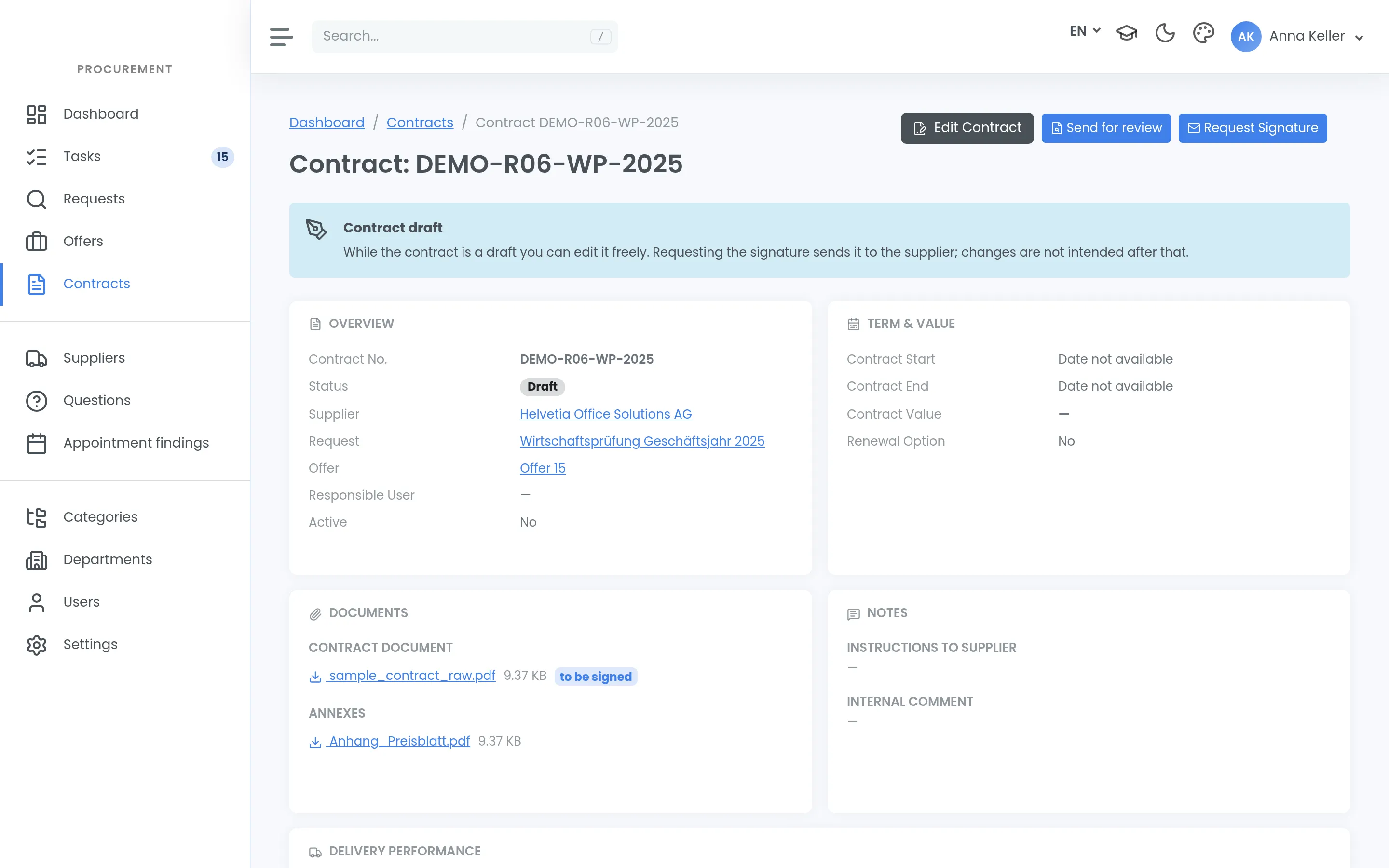
Once the winner is confirmed you inform the bidders. What happens next depends on whether your organisation uses the contract module — it is paid and not in use everywhere.
From offer to contract
A contract arises from a winning offer. It also works without a tender: existing contracts that only need monitoring can be created directly.
The contract page shows where a contract stands. What matters more is what you can do from there: request the signature, withdraw an open request, request again after a decline — and, later, terminate.
The signature
You request the signature and the supplier confirms in the portal. Confirmation is a click and is logged with a timestamp.
This is not a qualified electronic signature under ZertES or eIDAS. For most procurements that is exactly right. Where a qualified signature is required, settle it with your legal team before sending the request — it is a contractual question, not a technical one.
If the supplier declines, that is a normal step: you amend and request again.
If you notice after sending that something in the contract is still wrong, withdraw the request. The supplier receives an email. The contract can only be sent again once you have reset it to draft and amended it.
Terminating
You can terminate a signed contract in e-Request. The effective date is required; you can add a comment and the termination letter. The supplier receives an email, and the contract becomes inactive and drops out of deadline monitoring. The supplier can terminate too, from their portal — then you receive the email.
e-Request records the termination; it does not serve it. It takes legal effect as before, through your termination letter and the notice periods in the contract.
Deadlines and deliveries
A contract carries a contract number, a value and a renewal option. Deadline monitoring sends reminders and keeps a list on the dashboard.
Those reminders are internal. The supplier is not reminded — anyone expecting that is waiting for something that will not come.
For deliveries you can record the target and actual date, a remark, and the acceptance: pending, accepted, accepted with reservations, or rejected.
What you can tell a bidder
And what you cannot: the reason from the latest rejection round is visible to the supplier. Who decided internally is never visible, and there is no history across several rounds.
Internal notes stay internal, including those on the offer. Anything meant to reach the bidder goes out as a message.
If your organisation does not have the module
Then e-Request ends at the award and the contract runs your usual way. That is not an edge case; just tell your suppliers, so nobody waits for a signature request in the portal.